There will be two sub reports for Prenatal Assessment, Newborn Assessment V2 and Early Childhood Development Assessment found within the Details tab of the assessments. One sub report will print the fields in the non-NPS tab, while the other report will print the fields in the NPS tab. Using this report option for NPS will only run a report for any NPS tools completed within the assessment that you are currently in (see TIP below)
1. Click the Print Form button 
2. Choose the report code of _ASS for running a report for non-NPS sections. Here is the screenshot from Newborn Assessment V2.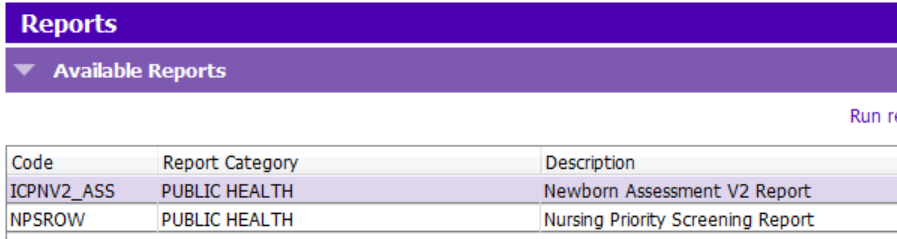
 TIP: For running a report for the NPS tool, it is recommended to use the Print button in the Nursing Priority Screening (July 11th, 2022 And Onwards) section. Follow the steps here: Print Nursing Priority Screening Tool
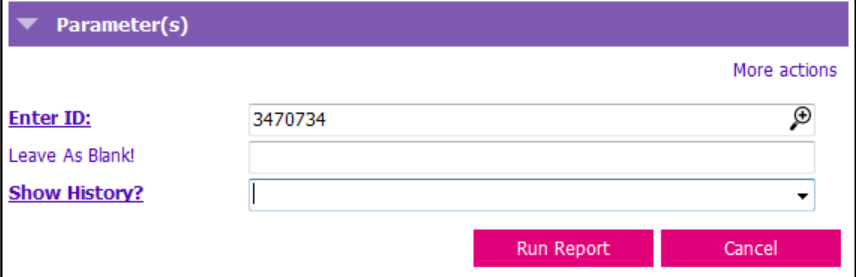
3. The Nursing Priority Screening Report (report code = NPSROW) will print the NPS episodes that were recorded in the assessment. The Enter ID field is already auto populated. The second field can be left as blank. In the Show History? field, choose Yes to include historic records for the screening form.