The Print button is for generating an individual screening report in the Nursing Priority Screening (July 11th, 2022 And Onwards) section. There is an option to run with or without the historic versions for the screening form. Follow the steps below to run the report. 
1. Highlight the screening form that you would like to generate a report. By default, the most recent screening is already highlighted. Click Print.
2. The Confirm message will appear. Click Yes to include historic records for the screening form. Click No to display only the screening form that you highlighted in # 1. 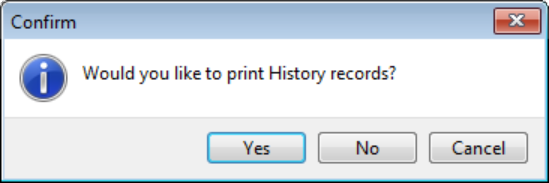
3. If necessary, update Output file type. Run Report. 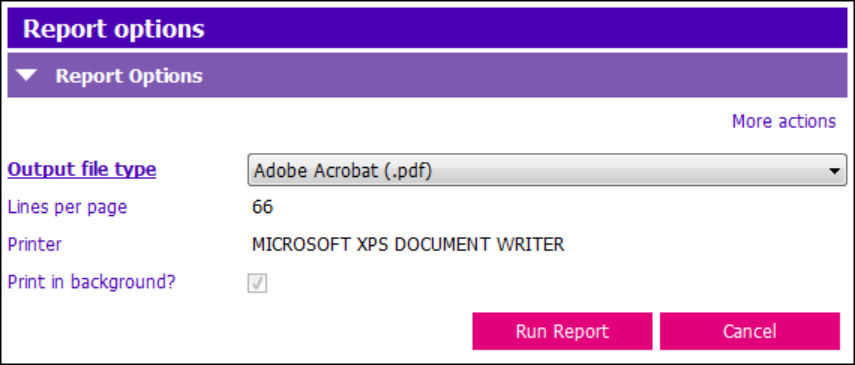
If the option to include historic records is chosen, the report output will display the main screening form and then will display historic records. Check the report header and the status. 
