This application is used to record Financial Interventions for Funded Services. Please refer to the Clinical Care Plan application section in User Help for more information about creating a Clinical Care Plan.
1. In the Plan application, click on the appropriate Referral branch (always work from the Referral View)
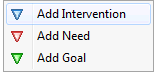
2. Click the Insert button in the Structure section and select 'Add Intervention'
3. The Interventions Entry window appears:
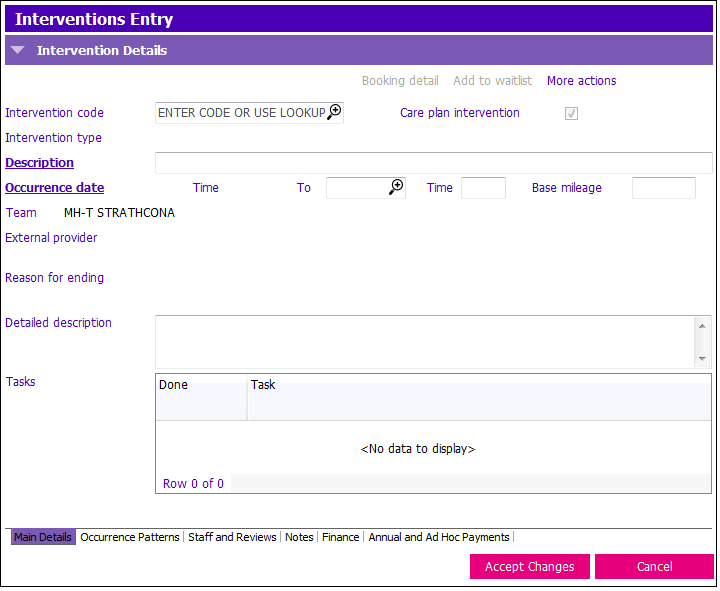
4. Enter the following fields:
- Intervention Code: Select the appropriate Funded Service. The Description field will then auto-populate.
- Occurrence date: Select the appropriate Funded Service The Description field will then auto-populate.
- External Provider: Select the name of the agency providing the service (For example: The Adult Day Program Provider). If the Intervention is Home Support, you’ll only see a list of HS agencies. If it was an ADP, you’ll only see ADP’s providers.
5. Click on Occurrence Tab Patterns to enter the Service Order details.