When changes are made to a letter, PARIS will record the changes as well as the details regarding the date, time and who made the changes.
1. Select the letter in the Stored Letters grid
2. Click on the View change history button.
3. The letter version history will be displayed.
4. To view a past version of the letter, select the version row and click on the View content button.
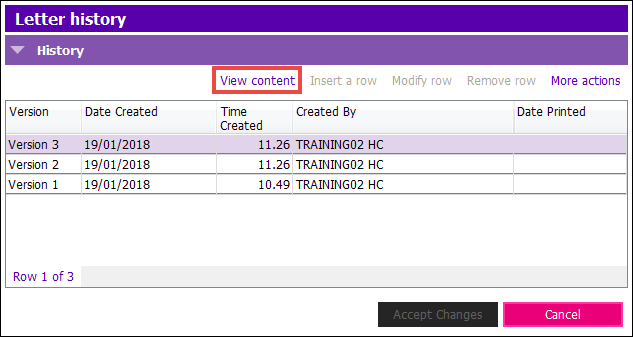
NOTE: The most current letter will always show in the “Stored Letters” section. Therefore, in the example above, there are four versions of the Letter. Three in the Letter History, and the current one shown in the Letters Application.