1. In the appointment booking application, click the Reports button and the Reports window appears:
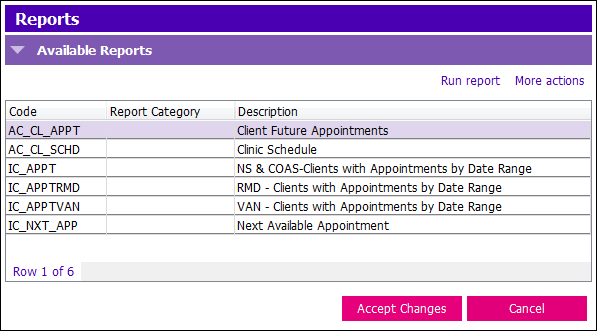
2. Select the appropriate report you wish to print by double clicking on the row which activates the Report options window:
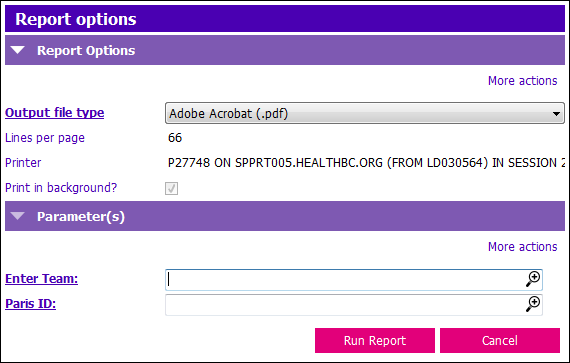
3. Fill out Report options window appropriately:
- Output file type: Choose Adobe Acrobat (.pdf) first, so you can select the specific pages to print
4. In the Parameters section enter the appropriate information needed to produce the report you want to print:
- Enter Team: Select the team you wish to run the report for
- Paris ID: Select the PARIS ID of the client you wish to run the report for
5. Click the  button.