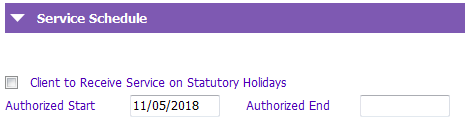
The Authorized End date indicates when a particular order ends.
On an existing order, if the order does not have an end date, one will automatically be entered when a new order is submitted. The end date entered will be one day prior to the Authorized Start date of the new order.
When home support service is no longer being provided (i.e. no further orders), the last remaining order is end dated before the client can be discharged from Home Support.
To end an order:
1. Select the order to end from the tree.
2. Enter the last day of service in the Authorized End.
3. SAVE
If the final order ends today or in the past, the client’s Home Support will be available for discharge. See Discharging a client from Home Support for information on discharging.
More Information
Cancel an Order
Edit Unlock a Submitted Order
Add Error Note to an Order
End Home Support Order