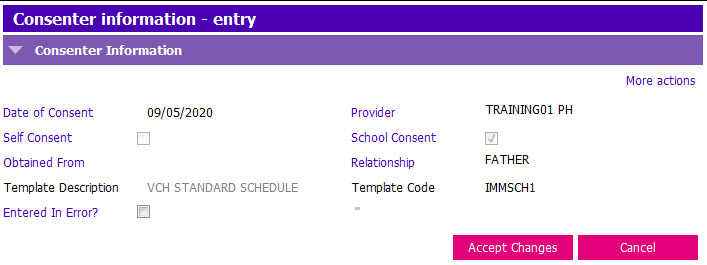
When entering a consent record in the IC Entry application, a grid row is created in the history each time the consent record is saved. The current consent record is viewed in Informed Consent Entry. The IC History is used to view all saved records:
1. Click on the Informed Consent History application.
2. The Consenter Information grid contains a row for each saved session:
 3. In the Immunization Consent History grid, click once on a row to view the entries for that session.

4. Double click on a row in the Consenter Information grid to view the consenter information for that session: