The Remove From Team application allows staff members to remove themselves from PARIS teams when they are no longer documenting under a team.
From the home screen, navigate to the Staff icon and click on the Remove from Team tile to open the application.
The Remove From Team grid displays the staff members Name, the team they belong to and the number of allocations that are currently active for each team they belong to.

To remove yourself from a team, highlight the team you want to remove yourself from.
Click on Remove from team.

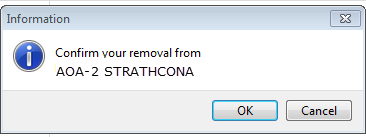
Click OK to confirm your removal from the team.
If a staff member has active allocations for the team they are trying to remove themselves from, they will be unable to remove themselves and the following warning message will display:
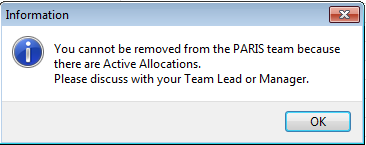
The removal from the team may only proceed once the allocations has been end-dated or allocated to another staff member. Please contact the team leadership for direction about re-allocating active referrals for a team you want to remove yourself from.
**Please note that if referrals are unallocated without another staff member first being allocated, they will revert to an on-hold status**