1. Hover your mouse over any column header,and the header will turn blue and a filter button will appear
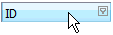
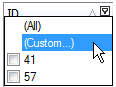
2. Click on the but ton in the column header of the grid you wish to filter and select (Custom...).
3. The 'Filter form' window appears: Add a new condition by clicking 'press the button to add a new condition'
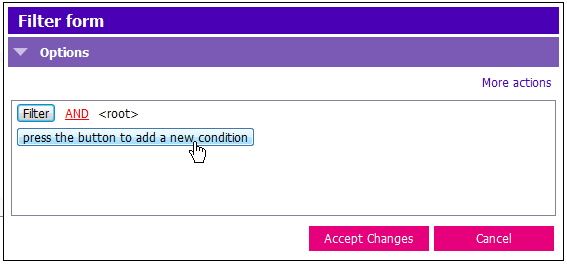
4. Click <empty>.
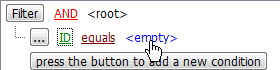
5. In this example we are filtering by ID, so you would enter the ID number you wish to filter by in the <empty> field.
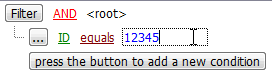
6. Click Accept Changes to apply filter to search.
To undo the filter
1. Click the  to undo the filter