Reviewing the Team Members Report is one of the responsibilities of a team delegate, as outlined in the Team Delegate Roles and Responsibilities document. You can run the report within PARIS, print it off, review it with other delegates, and remove staff as necessary through the Team Management application.
To run the report:
1. Click into Reports from the PARIS home screen:
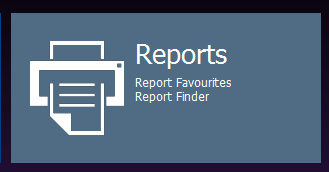
2. On the Report Finder screen, scroll down to the search screen and search for “team members report”:

3. Select Team Members Report
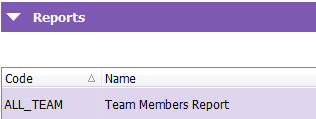
4. Click Run Report button above on the right:
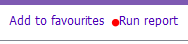
5. Select your Team Name from the picklist and click run report

Staff can only be removed if there are no clients allocated to them for this team (i.e. they must have zero Active Allocations). See PARIS User Help for transferring allocations in batches: Batch Caseload Transfer