The Team Management application is used to add and remove current staff members and delegates from PARIS teams. Only Team Delegates who are responsible for maintaining their team’s accounts will have access to this application.

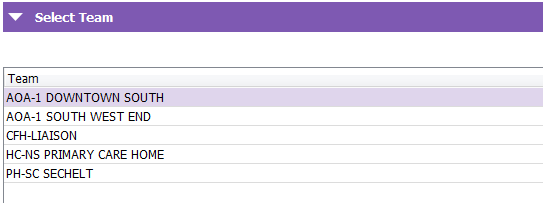
Select Team: Displays teams that the Team Delegate is a Delegate for.
Team Members Grid
All fields within the Team Members grid may be sorted by either clicking on the column header to sort a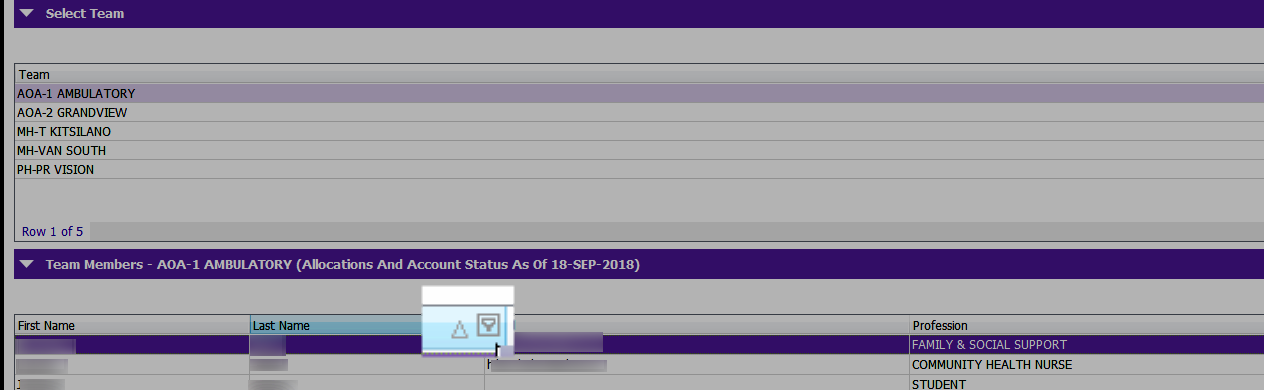
Team Members: Displays all team members of a particular team.

Email: Displays each team member's e-mail address.
Profession: Displays team member’s profession.
Allocations: Displays number of active allocations for each team member as of the previous day.
Account Status: Provides information about the recent account activity by the team member.
If an account is suspended, the team member cannot be added to the PARIS team.
If the account status is locked, it indicates that that the team member has not accessed PARIS within the past 90 days. The PARIS help desk will need to be contacted to re-activate or unlock the team members account.
Active Until: If a date was previously entered in the Active Until field (if it is known how long a team member will be part of the team), it will be displayed here.
Related Links
Remove from Team
Team Delegate List Report
LearningHub
Video - Team Management - Remove From Team - All Staff
Video - Team Management - Team Delegates