Anatomy of the Search Screen
Search Screen Buttons
Anatomy of the Search Screen
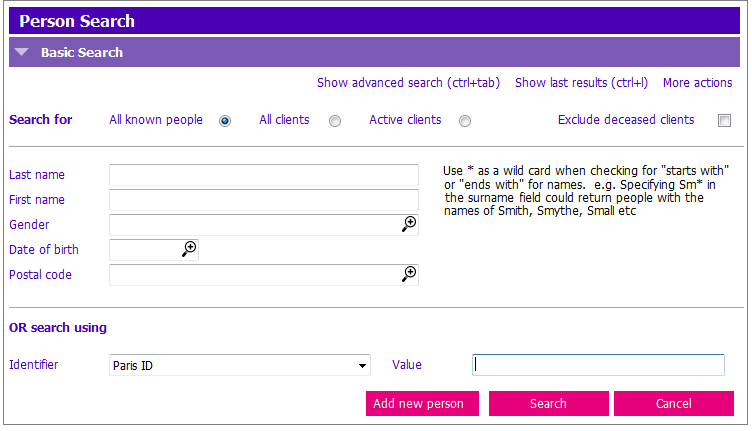 TIP: Use * as a wild card when checking for "starts with" or "ends with" for names.
E.g. Specifying Sm* in the Surname field could return people with the names of Smith, Smythe, Small, etc.
Search Screen Buttons
 |
1. Search button |
| 2. Search for client | |
 |
3. Cancel |
 |
4. Clears all data entered in the search window |
 |
5. Displays telephone #, GP name, address, GP/NP location for more search options |
 |
6. Displays the previous search results |
 |
7. Only show living clients |
 |
8. Add new person ONLY when search procedures are ALL exhausted to eliminate duplicates (See PARIS Search Procedure) |