Form locking prevents two users from editing the same form (e.g. casenote or assessment) on the same client at the same time. This means you do not lose your charting when you try to save while another user is currently documenting in the same place.
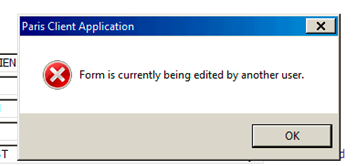
With form locking you are notified when an assessment or casenote is currently being edited by another user.
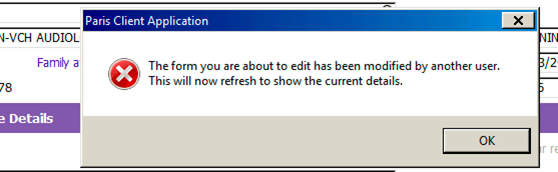
Once the form is saved by the other user, you are then notified that the form will refresh with new data.
For person based grids, such as those found in Central Index and Clinical Summary, when two people are editing the same row at the same time, the changes made by the first user to save are captured. When the second user saves, the grid title displays red and the following information message appears.
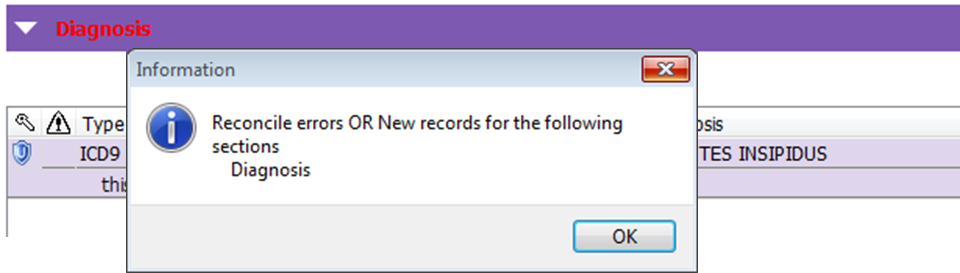
Be sure to review the changes the first person saved to determine if your changes are still required. If they are, modify the row again.