1. In the Central Index application, Personal Details form, Alerts section; click on the appropriate Alert in the Alerts grid to highlight it.
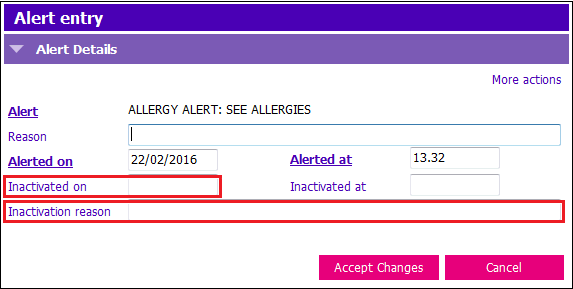
2. Click Modify row and update the following fields:
- Inactivated on: Press Ctrl + T to enter today’s date
- Inactivation reason: Enter the reason you are inactivating the alert
3. Click Accept Changes & F12 to Save
*Alerts can also be inactivated via the Client Banner