It is important to print financial reports, as any change are lost. Printing out reports of current or historical financials is the only way to retain that information if a financial assessment is deleted. This is especially important when you have to make changes to historical financial assessments.


1. To print the Financial Assessment report, click on the  button on the Financial Assessments toolbar
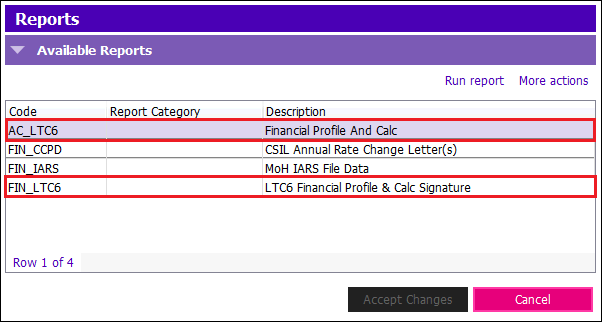
- Financial Profile and Calc: A printed version of the full LTC6 showing fields you have completed
- LTC6 Financial Profile & Calc Signature: The version of the LTC6 report that the client must sign
2. Select the report you would like to print and click Run report
- Output file type: Defaulted to 'Adobe Acrobat (.pdf)'. If you would like to print the report directly from PARIS, click the drop-down and select Send Report to Printer