Caseload tab
Groups tab
Team List tab


Caseload tab
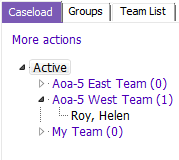

The Caseload tab displays all clients allocated to the logged on user and is displayed by allocation status. Expand the list of clients and click on a client name to activate the client record.

Displays Staff and Team, Alerts, and Client Category.

Displays all users currently and previously allocated to the client. You can allocate and end involvement from this grid by using the Insert a row or Modify row buttons.

Displays all people associated to that client.

Is not being used at this time.


Allows you to view or create Team Tasks for this client.

Is not being used at this time.
Groups tab
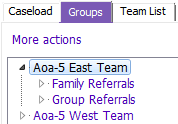
The Groups Tab displays group clients allocated to the logged on user
- All Groups with Clients allocated to the user, display. To activate a client click on a client name
- Details screen displays same information as Caseload Tab
Team List tab
Team List is not being used at this time.