- Scroll through the form to view all open sections.
- To collapse an open section, click on the white arrow pointing down on the purple banner.

- To expand a closed section, click on the purple arrow pointing right on the purple banner.

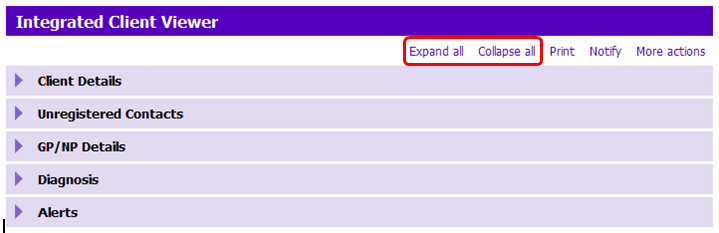
- Click on the action buttons at the top of the form to collapse or open all sections in order to quickly navigate to a particular section.
- To view details of a row in a grid, double click on the row, Modify row, or View details.
! IMPORTANT:
- In the Recent Casenotes section you MUST double click on the row to view the Casenote document section. DO NOT click on View details in this grid as the document section will appear blank.

- READ ONLY USERS must go to Casenotes Application to view notes.