Associate Self or Other Provider
View Associations
End Association
The Allocation / Association application allows you to associate yourself or another staff member to indicate that you or your staff accesses/accessed the record. Examples would be:
- Associate Self as Other Provider to indicate you opened the record to view information, or are a casual and do not carry a caseload (e.g. clerical staff or casuals).
- Associate another staff member as Other Provider when staff member knows for sure that another staff member will be accessing record (e.g. when assigning casual staff).
Associate Self or Other Provider
1. Go to the Allocation/Association application. It can be accessed through the Referrals Home tile.
2. View the Am I Allocated/Associated tickbox. If it is not checked you are not allocated or associated.
3. Scroll down to the Other Provider Association - Entry section.

4. Check one of the following:
- Check Associate Self as Other Provider tickbox
- Check Associate another staff member as Other Provider tickbox.
5. Select the team from the Team Search lookup.
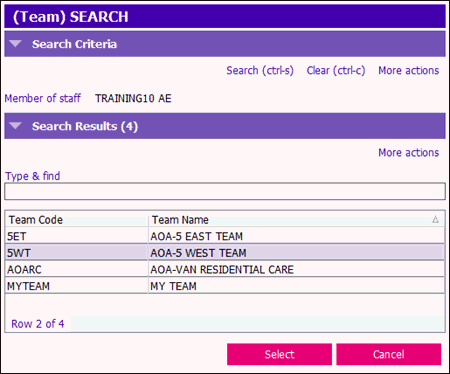
6. If you checked Associate another staff member as Other Provider, select the staff member from the Team Search lookup.
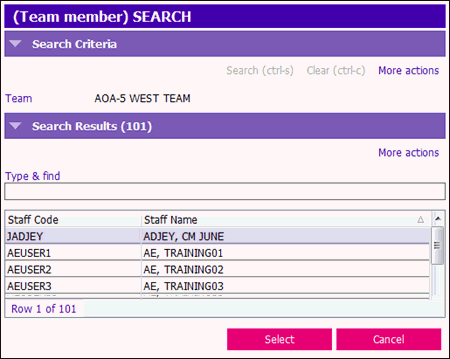
7. Save the Allocate/Associate form.
View Associations
Scroll down to the Other Provider Association - View section.
Check the Display Other Provider Association? tickbox.

End Association
See the End Staff Involvement with Client article